


Navigating the world of router settings might feel like deciphering an ancient language. But fear not! With a little guidance, optimizing your router can transform your internet experience from sluggish to speedy in no time. Imagine streaming your favorite shows without buffering or gaming without lag—sounds like a dream, right?
Overview of Router Settings
Router settings offer various opportunities for enhancing network performance. Accessing these settings typically involves entering the router’s IP address in a web browser. Users usually find this address on a label attached to the device.
Configuring the network name, or SSID, represents a primary adjustment. This name appears when devices scan for available networks. Customizing the SSID improves network identification.
Security settings play a key role in protecting network access. Enabling WPA3 encryption provides stronger security than older protocols like WEP. Additionally, changing the default administrator password helps prevent unauthorized access.
Quality of Service (QoS) settings exist to prioritize bandwidth for specific applications. Assigning higher priority to activities like streaming or gaming enhances the overall user experience. Modifying these settings may lead to smoother performance during peak usage times.
Network management options contribute to monitoring device connections. Administrators can view connected devices and disconnect any that seem suspicious. Tracking usage and performance metrics also helps identify potential issues.
Firmware updates serve to improve router functionality and security. Regularly checking for updates ensures the router operates smoothly and securely. Installing the latest firmware often addresses known vulnerabilities, enhancing protection against cyber threats.
Guest network settings allow temporary access for visitors without compromising the main network. Creating a separate network for guests restricts their access to sensitive devices. This feature improves security while maintaining convenience.
Adjusting these various router settings leads to an optimized internet experience, supporting seamless streaming and lag-free gaming. Understanding these configurations facilitates better control over home network environments.
Common Router Settings Explained
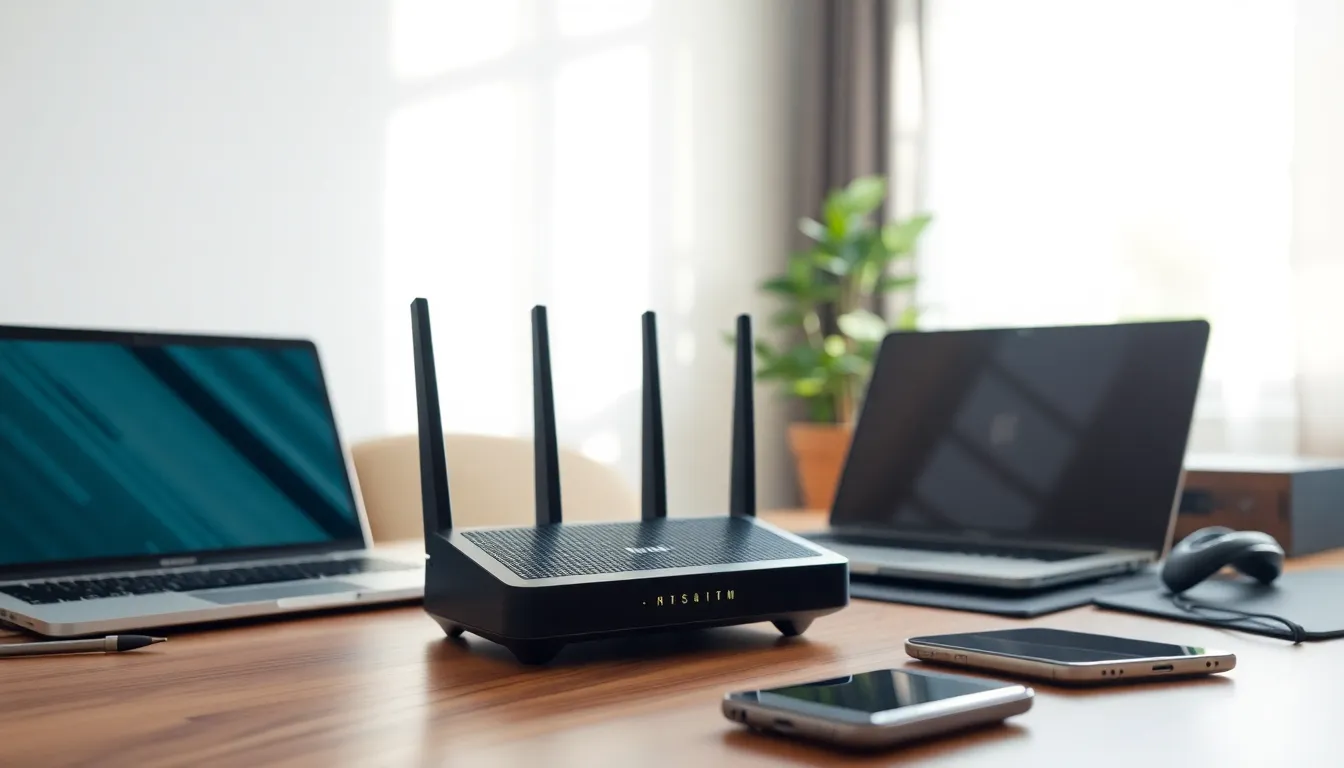
Router settings play a crucial role in optimizing network performance. Understanding these settings can significantly enhance the user experience.
Wireless Network Configuration
Wireless network configuration involves setting up the SSID for easy identification. Identifying the network helps users connect without confusion. Choosing a secure channel minimizes interference from nearby networks. Adjusting the Wi-Fi frequency band can improve connection speeds; 2.4 GHz suits larger areas while 5 GHz works better for speed in smaller spaces. Enabling both bands allows devices to choose the most suitable one, enhancing connectivity options.
Security Settings
Security settings protect the network from unauthorized access. Implementing WPA3 encryption provides an additional layer of security. Regularly changing default passwords is crucial for maintaining network integrity. Setting up a strong password consists of a mix of letters, numbers, and special characters. Disabling WPS can prevent potential vulnerabilities, reinforcing the network’s defense. Keeping firmware up to date ensures that routers have the latest security patches, further safeguarding the network.
Parental Controls
Parental controls allow management of internet usage for minors. Setting schedules helps limit access during specific hours, promoting responsible internet usage. Blocking certain websites prevents access to inappropriate content, ensuring a safer browsing environment. Monitoring device connections enables parents to oversee which devices access the network. Setting usage limits for specific devices encourages balanced online activity.
Advanced Router Settings
Advanced router settings allow users to fine-tune their network performance. Optimizing these settings enhances overall connectivity and security.
Quality of Service (QoS)
Quality of Service (QoS) settings enable users to prioritize bandwidth for specific applications. High-priority apps like gaming and video streaming benefit from reduced latency. He or she can configure QoS rules in the router’s interface, assigning different levels of priority to devices or services. Adjusting these settings ensures a smoother experience during peak usage times. Many routers provide an option to automatically detect and optimize settings for common applications, simplifying the process for users.
Port Forwarding
Port forwarding allows users to direct traffic from the internet to specific devices within the network. Enabling port forwarding facilitates remote access to services such as gaming consoles or security cameras. It’s important to configure the appropriate ports based on the specific service being used. Users can usually find port numbers in the device documentation or online. Each router’s interface offers dedicated sections for setting up port forwarding, making it accessible for most users. Properly configured port forwarding improves accessibility while maintaining security by limiting external access to designated services.
Firmware Updates
Regular firmware updates keep routers functioning efficiently and securely. These updates often include security patches that protect against vulnerabilities. Users should check for firmware updates periodically, as manufacturers release new versions that improve performance. Many routers provide an option for automatic updates, simplifying the process. Failing to update firmware could expose networks to security risks or result in decreased performance. Staying current with firmware ensures optimal router functionality and security features.
Troubleshooting Router Settings
Recognizing common issues helps in diagnosing router problems effectively. Check network connection by verifying that the router is properly connected to the modem and that all cables are secure. Look for indicator lights on the router; green lights typically signal a good connection, while red or orange lights indicate issues.
Accessing the router’s settings is often the first step in troubleshooting. Enter the router’s IP address in a web browser to reach the login page. If unable to log in, ensure using the correct username and password. Many times, routers use default credentials which can be found in the manual.
Diagnosing slow internet speeds requires a systematic approach. Test the connection speed using online tools, then compare results against the internet plan. Adjusting QoS settings can prioritize bandwidth for specific applications, helping to improve performance during peak usage.
Restarting the router can resolve various connectivity issues. Unplug it for about 30 seconds and then plug it back in. This action can refresh network settings and resolve temporary glitches.
Reviewing security settings is crucial for maintaining a secure network. Ensure WPA3 encryption is enabled and replace any weak passwords. Keeping the firmware updated minimizes vulnerabilities and enhances router functionality.
Creating a guest network is another way to manage connections effectively. This setting allows visitors to access the internet without compromising the security of the main network. Monitor connected devices through the router’s management interface to detect any unauthorized access.
Parental controls offer additional features for managing online safety. Set usage schedules and block specific websites to protect minors from inappropriate content. Regularly check settings to adapt them to changing needs.
Optimizing router settings is essential for enhancing internet performance and security. By understanding key configurations, users can tailor their networks to better suit their needs. Implementing strong security measures and prioritizing bandwidth for critical applications ensures a smoother online experience.
Regularly updating firmware and adjusting settings like QoS and parental controls can significantly improve connectivity and safety. With the right approach, anyone can navigate router settings confidently, leading to a more reliable and efficient network. Staying proactive in managing these settings will not only enhance daily internet use but also protect against potential vulnerabilities.

