


In today’s digital age, a solid home networking setup isn’t just a luxury; it’s a necessity. Whether streaming the latest binge-worthy series or working from the comfort of the couch, a reliable network keeps everyone connected and happy. But let’s face it—setting up a home network can feel like trying to assemble IKEA furniture without the instructions.
Understanding Home Networking Setup
Home networking refers to the interconnection of multiple devices in a domestic setting. This setup enables communication between devices like computers, smartphones, printers, and smart home devices, creating a seamless digital environment.
What Is Home Networking?
Home networking connects devices within a residence, allowing them to share internet access and resources. An effective home network typically includes components such as a modem, router, and various connecting cables. Wireless and wired networks are the two main types, with wireless networks utilizing Wi-Fi technology for convenience. A well-configured setup enhances functionality by enabling file sharing, streaming, and online gaming across devices.
Importance of a Good Setup
Having a reliable home network setup is crucial for daily online activities. A robust system supports tasks like streaming videos and participating in video calls without interruptions. In areas with numerous devices, optimal performance ensures seamless connectivity. Security features also protect personal data from unauthorized access, a key concern in today’s digital landscape. Ultimately, a good setup enhances productivity and allows users to fully utilize their devices for work and entertainment.
Essential Components
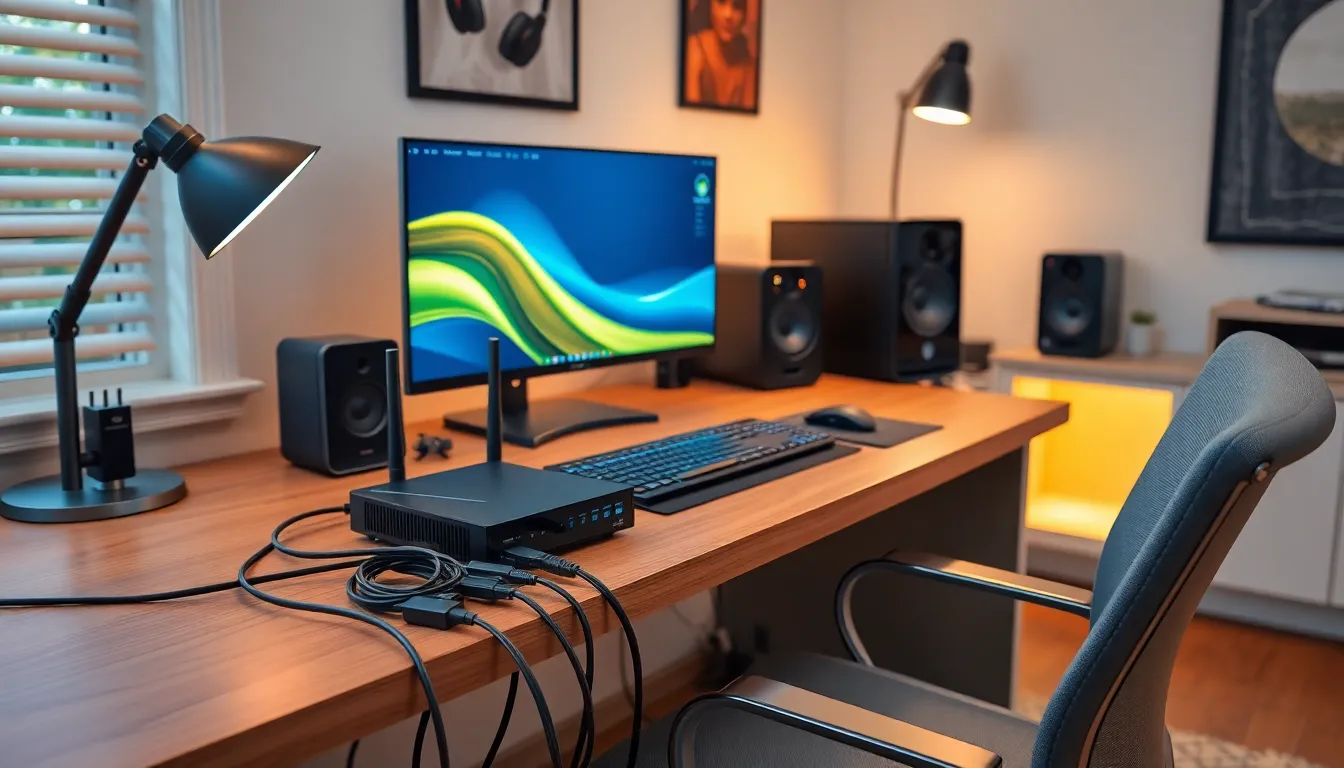
A reliable home networking setup consists of several key components. Understanding these elements can simplify the process of establishing a functional network for streaming, gaming, and remote work.
Modems and Routers
Modems connect a home to the internet service provider. They translate incoming signals into digital data. Routers distribute this data to multiple devices within the network. These devices include computers, smartphones, and smart televisions. A combined modem-router unit streamlines the setup, but separate devices often offer better performance and customization options. Choosing a dual-band router can enhance speeds by allowing devices to connect on different frequency bands.
Network Cables
Network cables play a crucial role in wired connections. Ethernet cables provide strong, reliable connections between devices and the router. Categories of Ethernet cables, like Cat5e, Cat6, or Cat6a, vary in speed and bandwidth capabilities, with Cat6 supporting up to 10 Gbps. Placing devices close to the router reduces latency and maximizes performance. While wireless connections offer convenience, using network cables for stationary devices substantially improves speed and stability.
Wireless Access Points
Wireless access points extend Wi-Fi coverage across a home. They connect to the existing router, enhancing signal strength in areas with weak connectivity. By adding multiple access points, users can eliminate dead zones, ensuring seamless internet access throughout the space. Mesh networking systems offer a user-friendly solution for larger homes, as they create a unified network using multiple nodes. Selecting the right access point can greatly enhance the overall performance of a home network, especially in environments with many devices.
Steps to Set Up Your Home Network
Setting up a home network involves several vital steps that ensure seamless connectivity and performance. Following these steps helps create an efficient and secure network.
Planning Your Network Layout
Planning the network layout helps optimize coverage and performance. Identify optimal locations for devices, including routers, access points, and plugs. Assess physical obstacles, such as walls or furniture, that may impede the signal. Draw a simple diagram to visualize connections, helping prioritize areas demanding strong signal strength. Include both wireless and wired devices in the design to accommodate various connectivity needs.
Connecting the Hardware
Connecting the hardware establishes the physical foundation of the network. Begin by positioning the modem in a central location with access to an electrical outlet and cable outlet. Use an Ethernet cable to connect the modem to the router. Position the router in an unobstructed area for better Wi-Fi coverage. If using additional hardware, such as switches or access points, connect them accordingly using Ethernet cables. Ensure that all devices are powered on and ready for configuration.
Configuring Network Settings
Configuring network settings personalizes and secures your network. Access the router’s web interface through a browser using the router’s IP address. Change the default administrator password to enhance security. Set a unique SSID (network name) for easy identification among devices. Opt for WPA3 encryption to protect data transmitted over the network. Adjust additional settings based on individual needs, such as parental controls or guest networks, to tailor the experience for various users.
Common Issues and Troubleshooting
Home networking setups can encounter various issues. Two common problems include weak Wi-Fi signals and connectivity problems.
Weak Wi-Fi Signals
Weak Wi-Fi signals affect Internet performance. Factors like distance from the router, network interference, and physical barriers play significant roles. Users should position the router in a central location to improve coverage. Obstacles such as walls or large appliances may block signals, resulting in slower speeds. Utilizing Wi-Fi extenders or mesh systems can also help eliminate dead zones. Checking for nearby devices that may cause interference, like microwaves and cordless phones, is important. Additionally, minimizing the number of connected devices often enhances signal strength.
Connectivity Problems
Connectivity problems can disrupt daily activities. Common causes include incorrect settings or outdated firmware. Restarting the modem and router usually resolves temporary issues. Verifying that all cables are securely connected ensures a stable connection. Checking device compatibility is crucial, especially with older equipment. Ensuring all devices connect to the correct network is also vital. Users can also benefit from running network diagnostics through their device settings to isolate issues. If problems persist, contacting the Internet Service Provider may provide further assistance.
A reliable home networking setup is vital for navigating today’s digital landscape. It not only supports essential tasks like streaming and remote work but also enhances overall productivity and entertainment experiences. By understanding the key components and following the outlined steps for setup, anyone can create a robust network tailored to their needs.
Addressing common challenges such as weak signals and connectivity issues is crucial for maintaining a smooth online experience. With the right strategies in place, users can enjoy seamless communication and resource sharing across multiple devices. Investing time in building a solid home network pays off in convenience and efficiency, allowing individuals to fully leverage their technology.

